ChatPDF vs Paperpal
ChatPDF and Paperpal solve different stages of document work. ChatPDF helps you read and ask questions about a PDF, extracting answers from the file. Paperpal helps you polish academic writing, checking grammar and improving manuscript language for submission. If your task is understanding and querying a document, choose ChatPDF. If your task is improving your own written manuscript, choose Paperpal.
ChatPDF
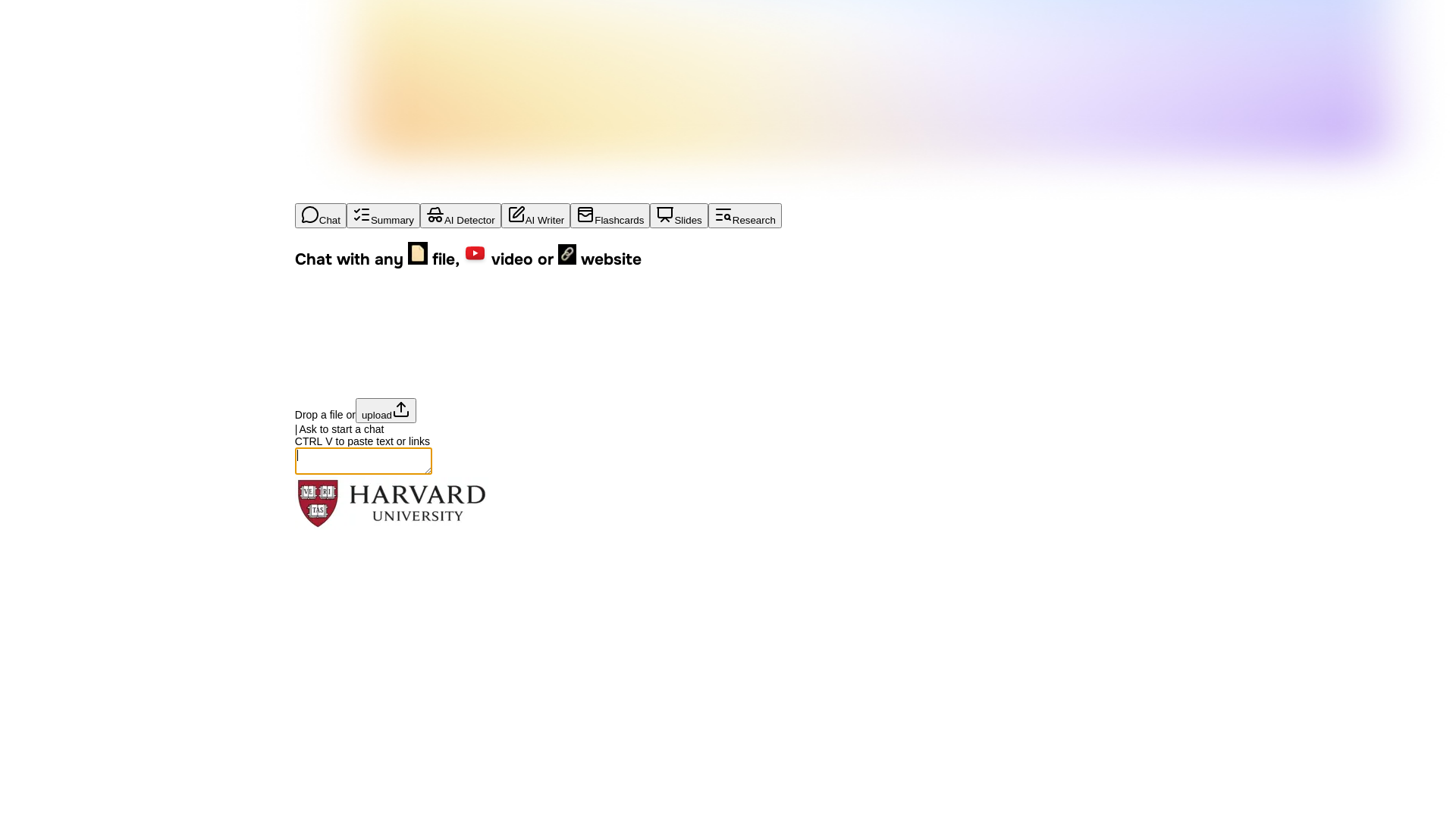
ChatPDF is a document Q&A tool. You upload or point to a PDF, then ask questions in plain language and get answers drawn from the document's content. It is built for people who want to extract answers from papers, books, manuals and reports without reading everything.
Paperpal
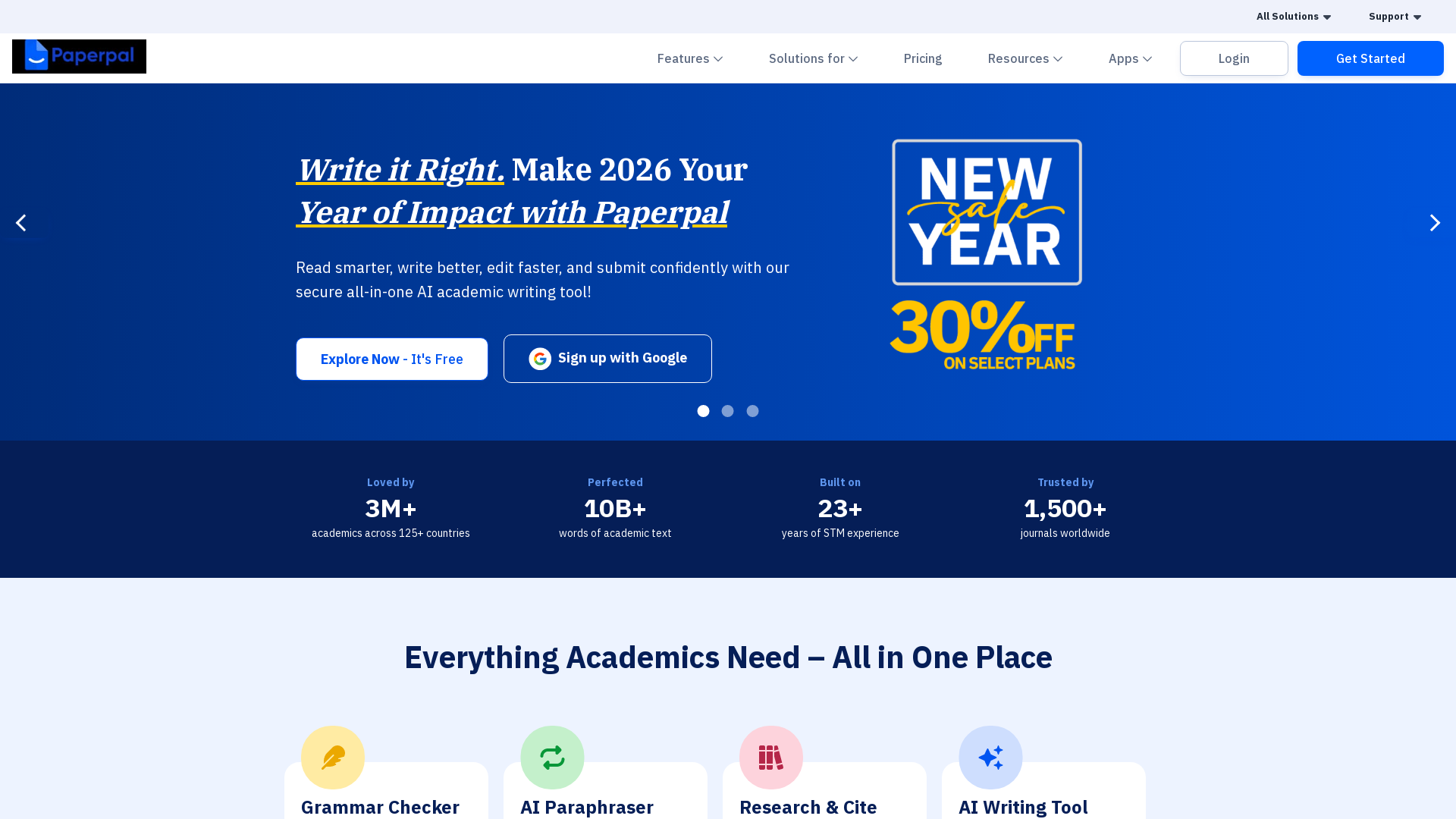
Paperpal is an AI writing assistant built for academic and research writing. It checks grammar and language, restructures sentences, reduces word count, and offers pre-submission language checks. It is aimed at researchers who need their manuscripts, theses and submissions polished to journal standards without rewriting everything by hand.
Editorial verdict
ChatPDF and Paperpal solve different stages of document work. ChatPDF helps you read and ask questions about a PDF, extracting answers from the file. Paperpal helps you polish academic writing, checking grammar and improving manuscript language for submission. If your task is understanding and querying a document, choose ChatPDF. If your task is improving your own written manuscript, choose Paperpal.
| Aspect | First tool | Second tool |
|---|---|---|
| Core focus | Chat and Q&A over a PDF | Academic writing polish |
| Best for | Reading and extracting | Manuscript and thesis language |
| Workflow | Upload, ask, extract | Grammar check, rewrite, condense |
| Output | Answers from the document | Improved writing |
| Strength | Fast document Q&A | Academic-grade language help |
When to choose ChatPDF
- • You need quick answers from a paper or report.
- • You want to summarize and triage a long document.
- • You read materials you did not write.
- • You want a low-friction single-document Q&A.
When to choose Paperpal
- • You write academic text that needs language polish.
- • You prepare a manuscript, thesis or proposal for submission.
- • You want grammar and style tailored to academic writing.
- • You need to reduce word count or paraphrase research prose.
FAQ
Can I use both together?
Yes. ChatPDF helps you understand sources, and Paperpal helps you polish the text you write from them.
Which is better for a research paper I am writing?
Paperpal is aimed at improving the written paper; ChatPDF is aimed at reading sources.
Are the answers/writing accurate?
Both are AI-assisted and need verification and human review for final work.
Sources and freshness
Updated 2026-08-18. Check current pricing, limits, and terms on the first official site and second official site.
Key differences at a glance
- ChatPDF leans toward Document AI, while Paperpal focuses on Academic Writing.
Need help deciding?
Use the guided finder to get a short list tailored to your stack.
Start guided matchChatPDF review notes
Full review →- • Fast answers from long documents.
- • Grounds answers in the uploaded file, reducing hallucination.
- • No setup for a single
- • Answers still need verification, especially for legal or technical documents.
- • Very large or complex documents can be harder to query well.
- • Works best on one document at a time.
Paperpal review notes
Full review →- • Tailored to academic language, including discipline
- • specific phrasing.
- • Supports long manuscripts and theses, not only short marketing copy.
- • Less relevant for general marketing or social copy where tools such as HyperWrite shine.
- • Full value depends on the paid plan; the free tier is limited.
- • Language checking is based on current models, so a human final read is still recommended.