Databar vs Airtable
Databar and Airtable solve different parts of the data problem. Databar is a no-code tool for collecting, enriching and routing data from external sources. Airtable is a flexible database-and-spreadsheet hybrid where teams organize, store and collaborate on data you already have. Choose Databar when you need to gather and enrich data automatically. Choose Airtable when you need a friendly database to organize and share data. They often work well together.
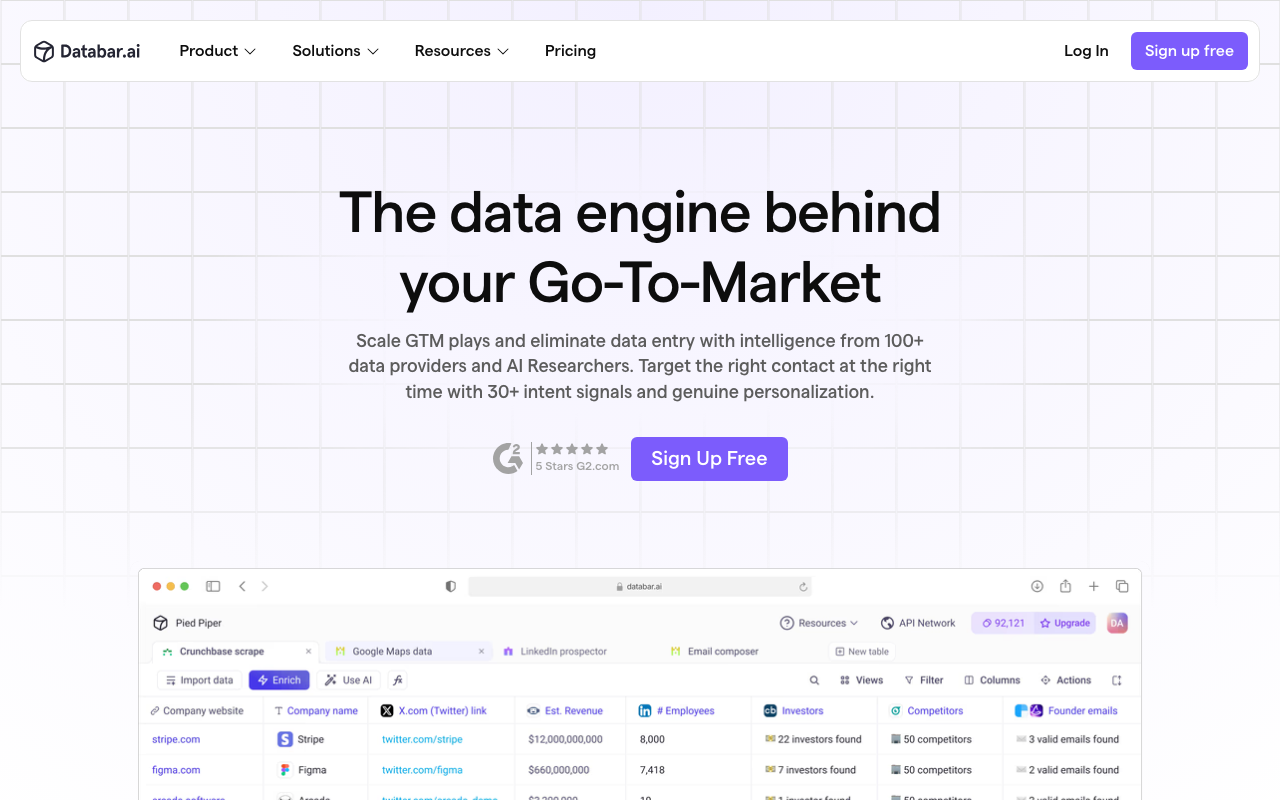
Databar
Databar is a no-code data platform that lets non-engineers collect, enrich and connect data from multiple sources. You build simple data workflows to pull, clean and route data into the tools you use, without writing code or managing infrastructure.
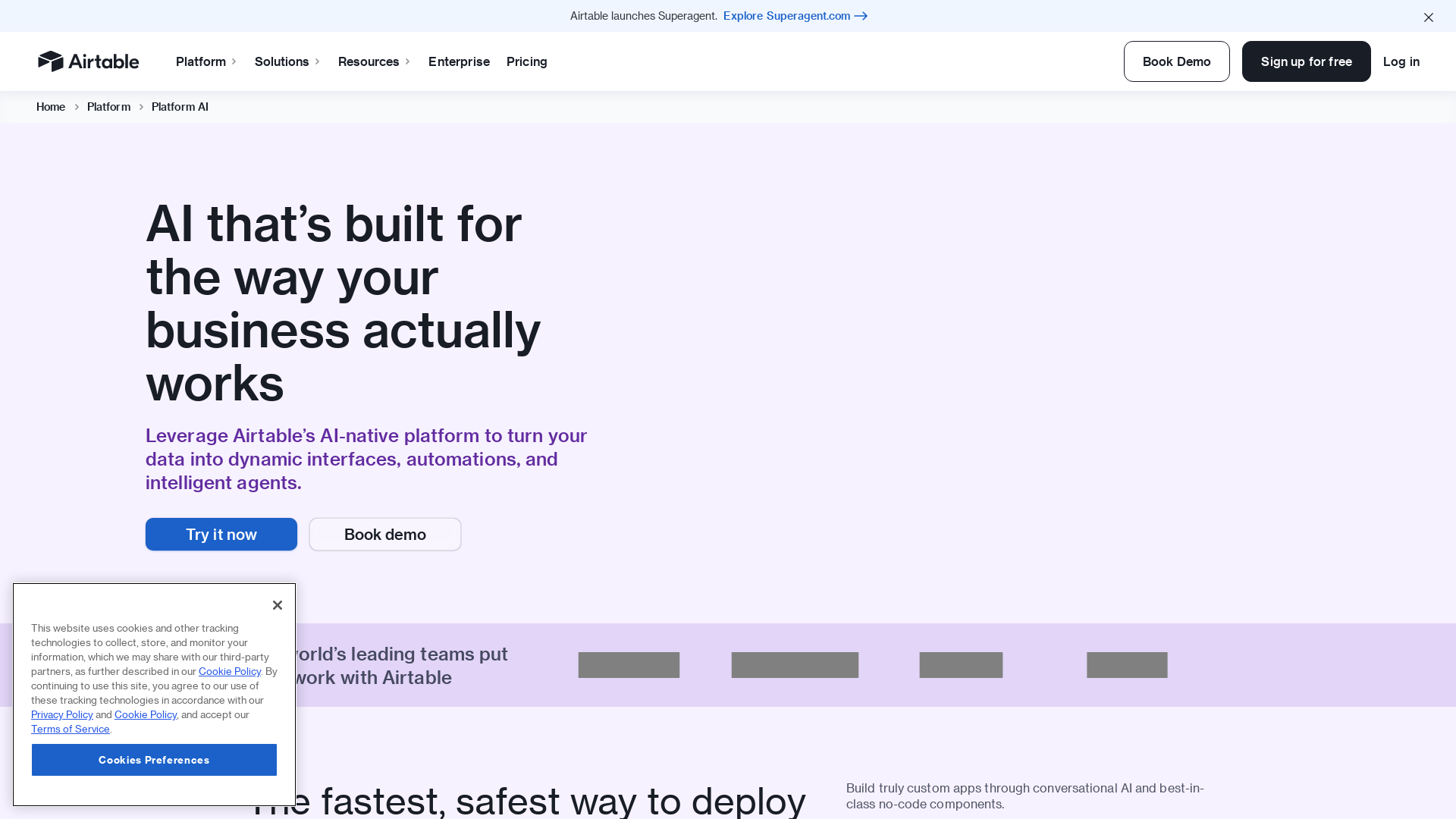
Airtable
Flexible database-spreadsheet platform for organizing data and lightweight internal apps.
Editorial verdict
Databar and Airtable solve different parts of the data problem. Databar is a no-code tool for collecting, enriching and routing data from external sources. Airtable is a flexible database-and-spreadsheet hybrid where teams organize, store and collaborate on data you already have. Choose Databar when you need to gather and enrich data automatically. Choose Airtable when you need a friendly database to organize and share data. They often work well together.
| Aspect | First tool | Second tool |
|---|---|---|
| Core focus | Data collection and enrichment | Flexible database and collaboration |
| Best for | Gathering/enriching external data | Organizing existing data |
| Primary task | Pull and route data | Store, view, collaborate |
| Coding | No-code | No-code, with automations |
| Strength | Automation of data gathering | Friendly structured storage |
When to choose Databar
- • You collect data from external providers.
- • You enrich records with additional fields.
- • You want scheduled, automated data workflows.
- • You route data into other tools.
When to choose Airtable
- • You want a friendly database for a team.
- • You organize many records and workflows.
- • You need views, collaboration and automations.
- • You want a single home for structured data.
FAQ
Should I use both together?
Often yes: Databar gathers and enriches, and Airtable stores and organizes the result.
Which is for non-technical teams?
Both are no-code. Airtable is more about data organization; Databar about gathering.
Can I automate in both?
Yes, both offer automations, but they target different stages of the workflow.
Sources and freshness
Updated 2026-08-18. Check current pricing, limits, and terms on the first official site and second official site.
Key differences at a glance
- Databar does not offer a free tier, while Airtable does.
- Databar leans toward Data Tools, while Airtable focuses on Productivity.
Need help deciding?
Use the guided finder to get a short list tailored to your stack.
Start guided matchDatabar review notes
Full review →- • Removes the need for a developer for many data
- • gathering tasks.
- • Visual, repeatable workflows instead of manual copy
- • Data quality depends on the source providers and their accuracy.
- • Complex transforms still need some logic understanding.
- • Pricing scales with usage volume.
Airtable review notes
Full review →- • Very adaptable beyond spreadsheets
- • Hard to govern without clear ownership