Descript
Descript is most helpful when your editing work is speech-heavy: podcasts, interviews, tutorials, demos, webinars, and social clips. Its transcript-based workflow lets non-editors cut and rearrange media by editing words, while AI features handle cleanup, captions, filler words, and assisted edits.
We may earn a commission if you visit through our link. The review stays focused on fit, trade-offs, and alternatives; verify current pricing and limits on the vendor site.
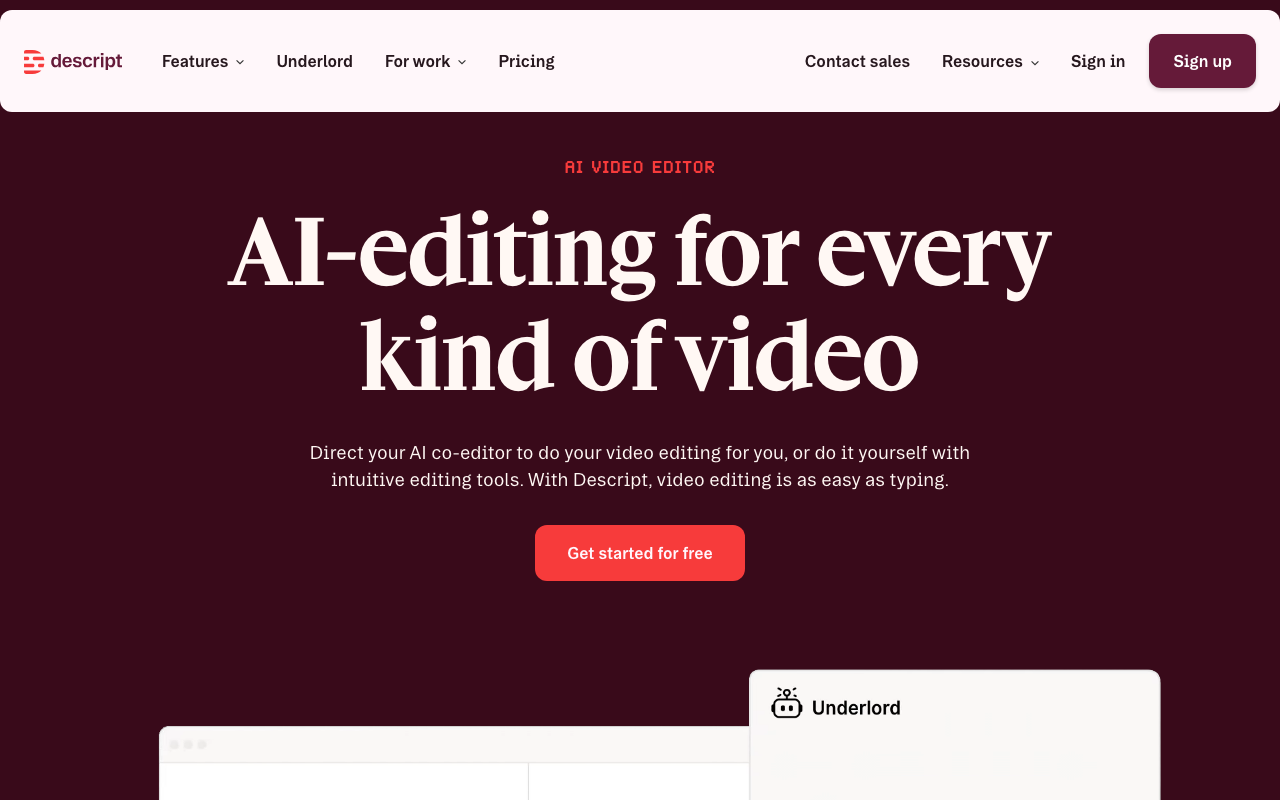
Transcript-based video and podcast editing
AI credits and advanced editing limits vary by plan
Free access or trial may exist; verify current limits on the vendor site.
Overview
Descript is most helpful when your editing work is speech-heavy: podcasts, interviews, tutorials, demos, webinars, and social clips. Its transcript-based workflow lets non-editors cut and rearrange media by editing words, while AI features handle cleanup, captions, filler words, and assisted edits.
Practical use cases
Use Descript for transcript-based video and podcast editing when you want a focused tool instead of a generic AI assistant.
Turn its strongest capabilities - text editing, captions, audio cleanup - into repeatable team workflows.
Compare it against other Video and Audio tools before committing to a paid plan.
Start with the main workflow: edit audio and video by editing the transcript instead of a complex timeline.
✅ Pros
- +Makes speech-heavy editing much faster for non-editors
- +Good balance of recording, editing, captions, and publishing prep
❌ Cons
- −Less suitable for complex visual effects or deep timeline work
- −AI features can consume credits quickly on longer projects
Pricing
- ✓Basic features
- ✓Limited usage
- ✓Full features
- ✓Priority support
- ✓Advanced tools
Questions to ask before choosing Descript
Buyer checklist- Does the current plan include the features, usage limits, and exports your workflow needs?
- Can you verify the output quality with your own content, brand rules, and compliance requirements?
- Are the related tools below a better fit for your category, budget, or team size?