
Pictory
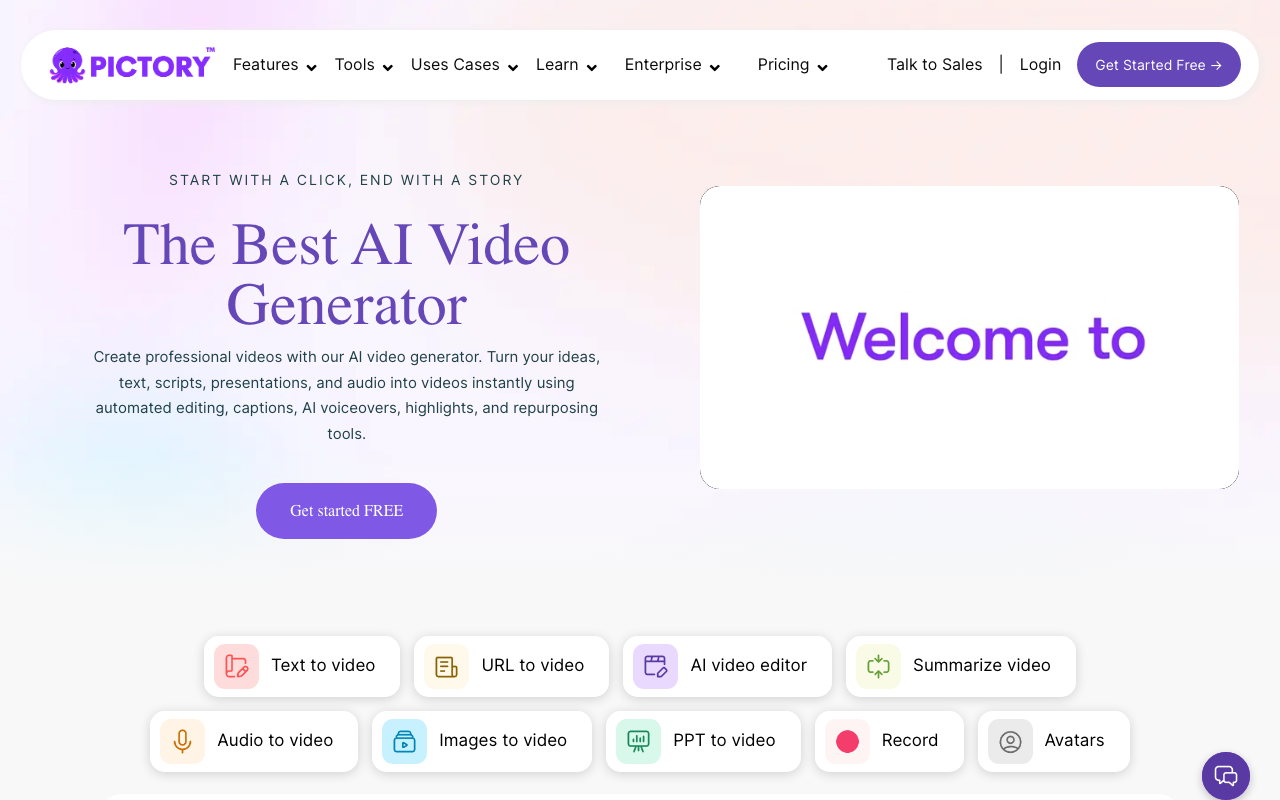
Pictory is strongest for repurposing existing content into video: blog posts into explainers, webinars into clips, podcasts into social assets, and scripts into quick marketing videos. It is a practical choice when the bottleneck is not Hollywood editing, but getting more usable video assets from content you already have.
We may earn a commission if you visit through our link. The review stays focused on fit, trade-offs, and alternatives; verify current pricing and limits on the vendor site.
Repurposing blogs, webinars, and podcasts into video
Export minutes and language support vary by plan/workflow
Paid or limited-access product; verify current plan limits before buying.
Overview
Pictory is strongest for repurposing existing content into video: blog posts into explainers, webinars into clips, podcasts into social assets, and scripts into quick marketing videos. It is a practical choice when the bottleneck is not Hollywood editing, but getting more usable video assets from content you already have.
Practical use cases
Use Pictory for repurposing blogs, webinars, and podcasts into video when you want a focused tool instead of a generic AI assistant.
Turn its strongest capabilities - script-to-video, captions, summaries, brand kits - into repeatable team workflows.
Compare it against other Video and Marketing tools before committing to a paid plan.
Start with the main workflow: good for long-form to short-form repurposing workflows.
✅ Pros
- +Fast way to turn existing content into publishable video assets
❌ Cons
- −Stock footage and automated scene choices still need review
Pricing
- ✓Basic features
- ✓Limited usage
- ✓Full features
- ✓Priority support
- ✓Advanced tools
Questions to ask before choosing Pictory
Buyer checklist- Does the current plan include the features, usage limits, and exports your workflow needs?
- Can you verify the output quality with your own content, brand rules, and compliance requirements?
- Are the related tools below a better fit for your category, budget, or team size?